Alexa Baby Safety: Voice-Activated Monitoring and Smart Home Routines for Parents

Every time I walk past the nursery at 11 p.m. and hear the Echo Dot pick up a rustle, I think about how much has changed since my older daughter was born. Back then, a baby monitor was a one-way radio with static. Now it’s a node in a network that can unlock doors, adjust the thermostat, and order diapers. That’s useful. It also means there’s more to configure correctly.
Here’s how to make Alexa work for your family’s safety without creating new risks in the process.
What Alexa-Enabled Baby Monitors Do
Alexa-compatible monitors connect to your home Wi-Fi and pair with the Alexa app, giving you two-way audio, real-time cry alerts, and remote access from your phone when you’re in another room or out of the house. Some models add video, room temperature readings, and motion detection.
The critical framing: these tools supplement supervision. They do not replace it. No alert system responds faster than a parent already in the room, and no camera sees everything. About 3,500 infants die each year from sleep-related causes in the United States, per CDC SUID data. Most of those deaths happen in environments that looked safe. A monitor tells you what’s happening. It doesn’t change what’s happening.
When you’re shopping for a monitor to pair with Alexa, verify that the monitor hardware itself meets CPSC safety standards independently of its smart features. The app integrations are secondary. The physical device is what sits next to your baby.
Setting Up Smart Routines That Reduce Risk
The strongest argument for Alexa in a nursery is routine automation. Tired parents make mistakes. Not careless mistakes, just the kind that happen when you’ve been awake since 4 a.m. and you’re running a bedtime sequence from memory.
A well-built Alexa routine can, at a set time or on a voice trigger, dim the nursery lights to a preset level, start white noise at a consistent volume, lock the smart lock on the garage door, and send you a reminder to check the baby gate at the top of the stairs. You set it once. It runs every night. The consistency is the point.
In my experience, I had been forgetting to turn on my younger daughter’s nightlight before putting her down, then fumbling for it in the dark after she was already drowsy. One routine fixed that permanently.
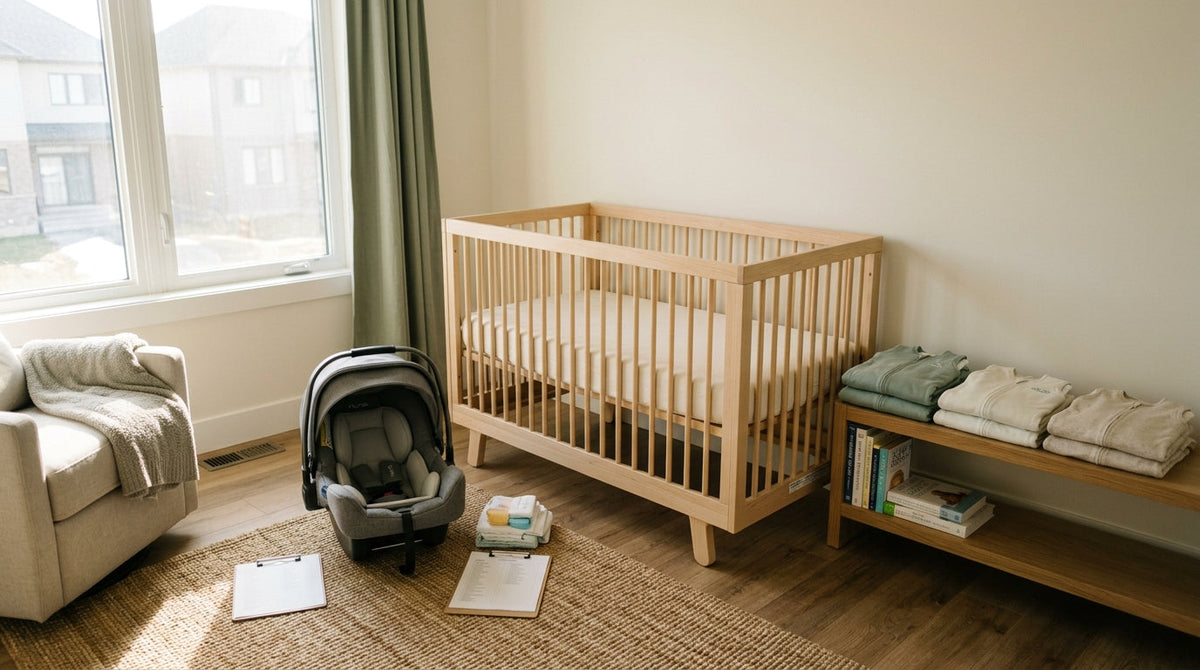
For temperature, pair a smart sensor with an Alexa alert. The AAP recommends keeping a baby’s sleep environment between 68°F (20°C) and 72°F (22°C). Set your alert thresholds at 67°F (19°C) and 73°F (23°C) so you get a notification before the room drifts outside the safe range, not after.


Locking Down Privacy in an Always-Listening Device
An Echo in a nursery is always listening for its wake word. That’s the design. It means audio is being processed continuously, and some recordings are stored in Amazon’s cloud unless you actively delete them.
Do these things before the device goes in the nursery:
Use a strong, unique password on your Amazon account. Enable two-factor authentication. Go into the Alexa app under Settings, then Alexa Privacy, and review what’s stored monthly. Delete recordings you don’t need. Turn off the "Use voice recordings to improve" setting if you’re not comfortable with that data being retained.
This isn’t paranoia. It’s the same discipline you’d apply to any networked device in your home. A nursery just raises the stakes because the device is in a room with a child who can’t consent to being recorded.
-
Secure your Amazon account
Set a strong, unique password and enable two-factor authentication before placing any Echo in the nursery. -
Review and delete stored recordings
Open Alexa app, go to Settings, then Alexa Privacy. Delete stored recordings and disable the voice-improvement data setting. -
Restrict Drop In to trusted contacts only
Open Contacts in the Alexa app and limit Drop In permissions to two or three family members. Disable it on nursery devices if unused. -
Audit Announcements device list
Confirm which devices receive household Announcements so an early-morning broadcast does not play through the nursery Echo. -
Schedule a monthly privacy review
Add a recurring calendar reminder to delete new recordings and review app permissions every 30 days.
Restricting Drop-In Access
Alexa’s Drop In feature lets contacts speak directly into a room through an Echo device without a traditional call being answered first. For grandparents who want to check in, it’s convenient. Left unrestricted, it means anyone you’ve ever granted Alexa contact permissions to can speak into your child’s room without warning.
Go to the Alexa app, open Contacts, and review who has Drop In permissions. Restrict it to the people who need it. Two or three trusted family members, not your entire contact list. Turn off Drop In entirely for devices in the nursery if you don’t use the feature regularly. The convenience is not worth the exposure.
Announcements work similarly. If you use Alexa Announcements to broadcast through all household devices, make sure you understand which devices are included. A 6 a.m. announcement that plays through the nursery Echo will wake your baby.
The Wake Word Problem with Older Toddlers
My older daughter figured out she could say "Alexa, play Baby Shark" at around 28 months. By 30 months she had worked out that the device responded to her voice the same way it responded to mine. This is charming until it isn’t.
Older toddlers and preschoolers can trigger unintended Alexa actions, including voice-activated shopping, skill launches, and smart home commands. Disable purchasing entirely through the Alexa app under Account Settings, or set a voice code that a young child won’t guess. If you have multiple Echo devices, assign device-specific wake words so a command meant for the kitchen device doesn’t trigger the nursery one simultaneously.
Disable any Alexa skills you don’t actively use. Each skill is an additional surface area for unintended activation.
Door and Window Sensors for Wandering
Smart door and window sensors paired with Alexa can alert you the moment a door to an unsafe area opens. The garage. The backyard gate. The basement door. For families with toddlers who have figured out door handles, this is a meaningful layer of protection.
The alerts are only useful if you respond immediately, and the system only works if you’ve mapped every relevant entry point. Walk your home and think like a 2-year-old. Which doors lead somewhere dangerous? Which ones are currently unmonitored? Set sensors on all of them, not just the obvious ones.
Test the alerts regularly. A sensor with a dead battery gives you false confidence. Build a monthly check into your calendar.
Smart Locks, Baby Gates, and Manual Overrides
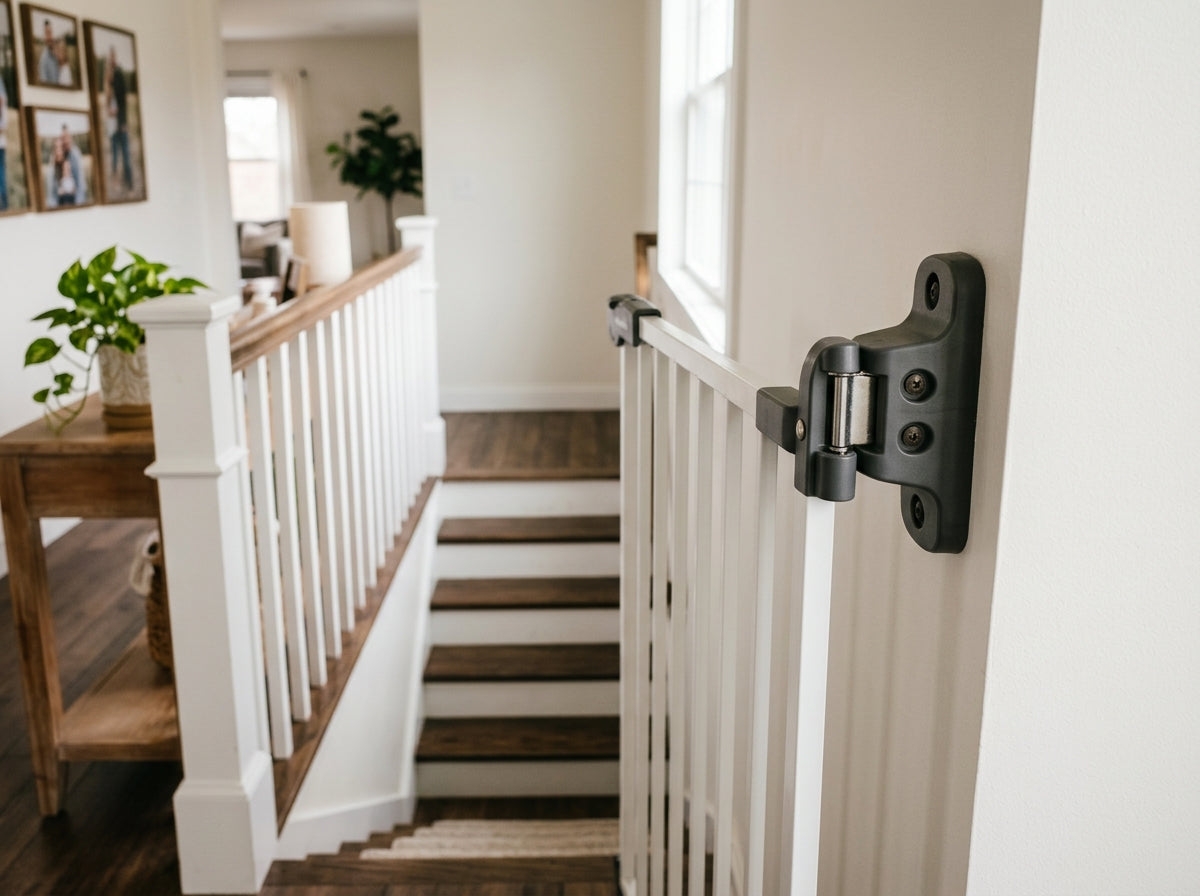
Alexa can check the status of smart locks and, with compatible hardware, control motorized baby gates and outlet switches. This is useful for a quick voice confirmation that the gate is latched before you walk away from the top of the stairs.
The rule I follow: every smart safety device needs a manual override I can operate in the dark, half-asleep, with no internet connection. Power outages happen. Wi-Fi drops. If your safety system depends entirely on connectivity, it will fail you at some point.
Test your manual overrides every month. Know where the physical key is for your smart lock. Know how to open the baby gate by hand if the app is unresponsive. Smart home integration should make safety easier, not create a single point of failure.
Monthly Smart Nursery Maintenance
Keeping the System Secure Over Time
Firmware updates for Echo devices and connected smart home hardware patch security vulnerabilities. Enable automatic updates in the Alexa app. For third-party devices like smart locks, door sensors, and monitors, check the manufacturer’s app for update settings and enable automatic updates there too.
If automatic updates aren’t available for a device, set a monthly calendar reminder to check manually. An unpatched device on your home network is a potential entry point, and a nursery device with a security gap is a specific concern.
Review your Alexa app permissions on the same monthly schedule. Remove integrations with apps or services you no longer use. The fewer active permissions, the smaller the attack surface.
Building a System That Supports, Not Replaces, Your Judgment
The best version of a smart nursery is one where the technology handles the repetitive, forgettable tasks, and you stay focused on the things that require your presence and judgment. Routines handle the lights and the white noise. Sensors handle the doors. Alerts handle the temperature. You handle everything else.
The CPSC’s baby safety resources and the AAP’s guidance at HealthyChildren.org both emphasize that no device substitutes for supervision. Use Alexa to reduce your cognitive load on the tasks that can be automated. Keep your attention on your child.